The field problem
The person changes. The property still needs the knowledge.
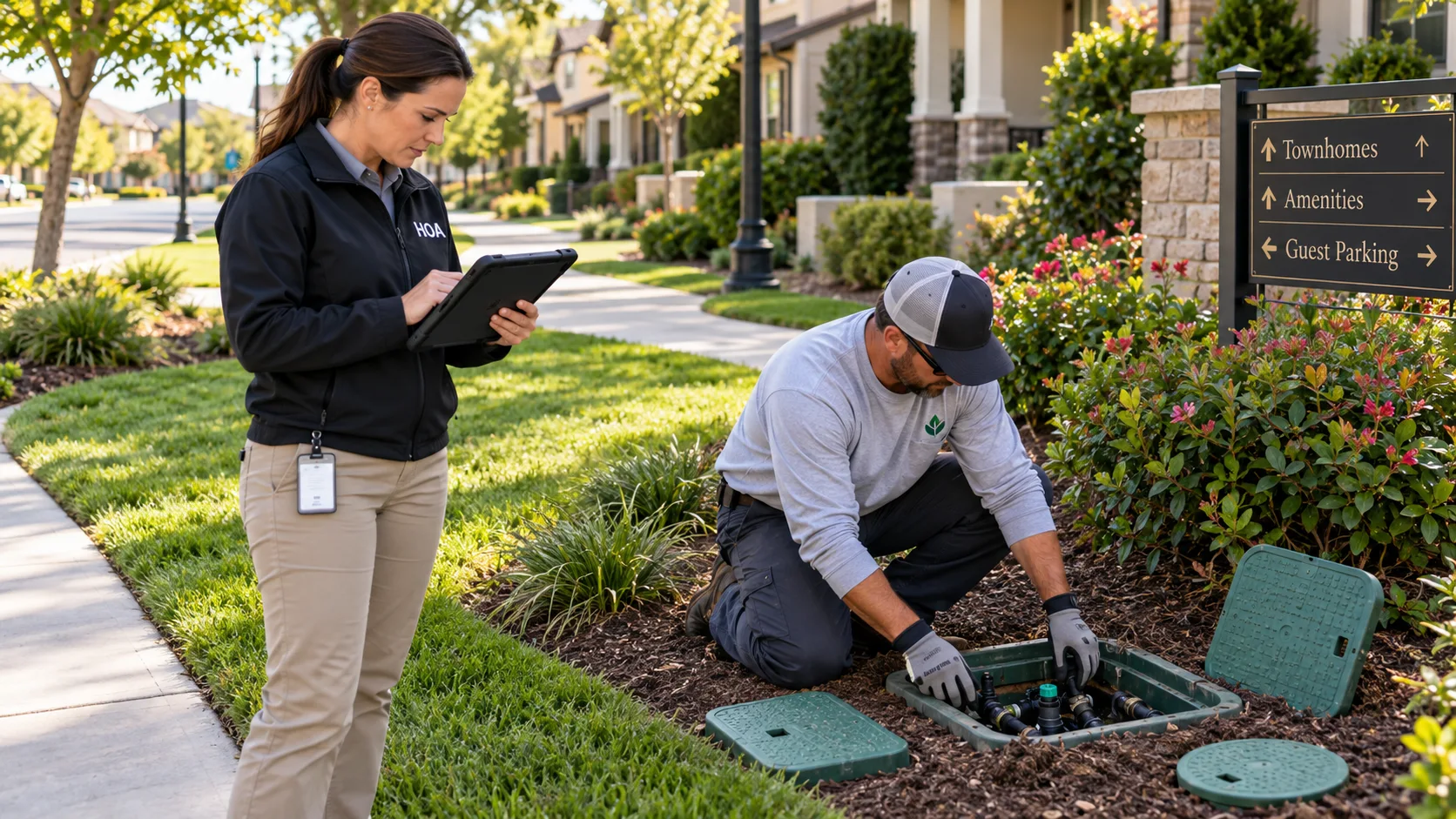
Your irrigation contractor knows which valve box serves the common area. Your maintenance lead remembers the shutoff behind the hedge. Your property manager has the repair photos somewhere in an email.
When a vendor changes, a manager moves on, or a long-serving employee retires, those connections can leave with them. The community still has the same infrastructure, but the next person may not know where to begin.
What it means for the work
A routine visit can become a search for someone who remembers.
The new irrigation vendor receives a work order, but not the access detail or the last repair note. The manager has a drawing, but no clear connection between that drawing and the valve box in the landscaping.
Instead of starting with what the community already learned, the next visit starts with calls, searches, and another round of discovery. A maintenance record filed under a former contractor’s name is not much help at the point of work.
A better starting point
Let the next vendor inherit the record, not just the work order.
The goal is a property record that connects irrigation assets, shutoffs, utility access points, photos, and maintenance context. A new manager should be able to understand what was documented without needing the previous manager to explain it.
Keep asset knowledge with the community, rather than with one person’s memory.
How Valve Finder helps
Put the maintenance context back with the asset.
Valve Finder is an infrastructure documentation and field-retrieval platform. It connects mapped assets with the information people need when they return to them, so the organization can carry its knowledge across staff and vendor changes.
A property map with useful context
Document valves, shutoffs, and access points on the map. Add notes and photos that explain the setting and what was found, rather than leaving those details in a private message.
Records connected to the right infrastructure
Keep supporting documents and maintenance information with the assets they describe. Record what a contractor found so a later visit has something concrete to work from.
A handoff that supports a return visit
Use the asset map and field guidance to return to documented infrastructure. Authorized team members can retrieve the connected record instead of depending on the person who first documented it.
A practical workflow
Start with the irrigation system everyone asks about.
This is an example of a documentation workflow, not a customer result. Choose one common-area maintenance task and make the next handoff part of the work.
Walk the property with the person who knows it
Document the valve boxes and shutoffs relevant to the task. Capture the access context while the maintenance lead or current vendor can explain it.
Attach the findings
Add photos, notes, and available supporting documents to the relevant asset. Describe what the vendor observed and which questions are still unresolved.
Review the handoff
Have the property manager review the record with the maintenance team. Make sure it explains the asset without relying on a conversation that only two people remember.
Use and update it on the next visit
The next authorized worker retrieves the record in the field, checks the actual conditions, and adds maintenance findings for the next handoff.
Valve Finder helps preserve and retrieve documented information. Field conditions still need to be checked, and records do not replace qualified judgment or required locating and work procedures.
Keep learning
Make property knowledge transferable.
These guides explore the handoffs and retrieval gaps that matter when a community depends on changing teams.
Browse the Knowledge CenterWhy Infrastructure Knowledge Gets Lost
Understand why useful details disappear between vendors, managers, and maintenance visits.
Read articleInstitutional Knowledge vs. Organizational Knowledge
Turn what one experienced person knows into context another authorized person can use.
Read articleThe Private Infrastructure Blind Spot
Consider the infrastructure knowledge that property teams need to preserve themselves.
Read articleYour next step
Could a new manager find what your community already knows?
Take the Infrastructure Asset Continuity Assessment to examine your current handoffs and records. Or explore Valve Finder to see how asset documentation and field retrieval fit the way your property is maintained.
Talk through your property’s needs